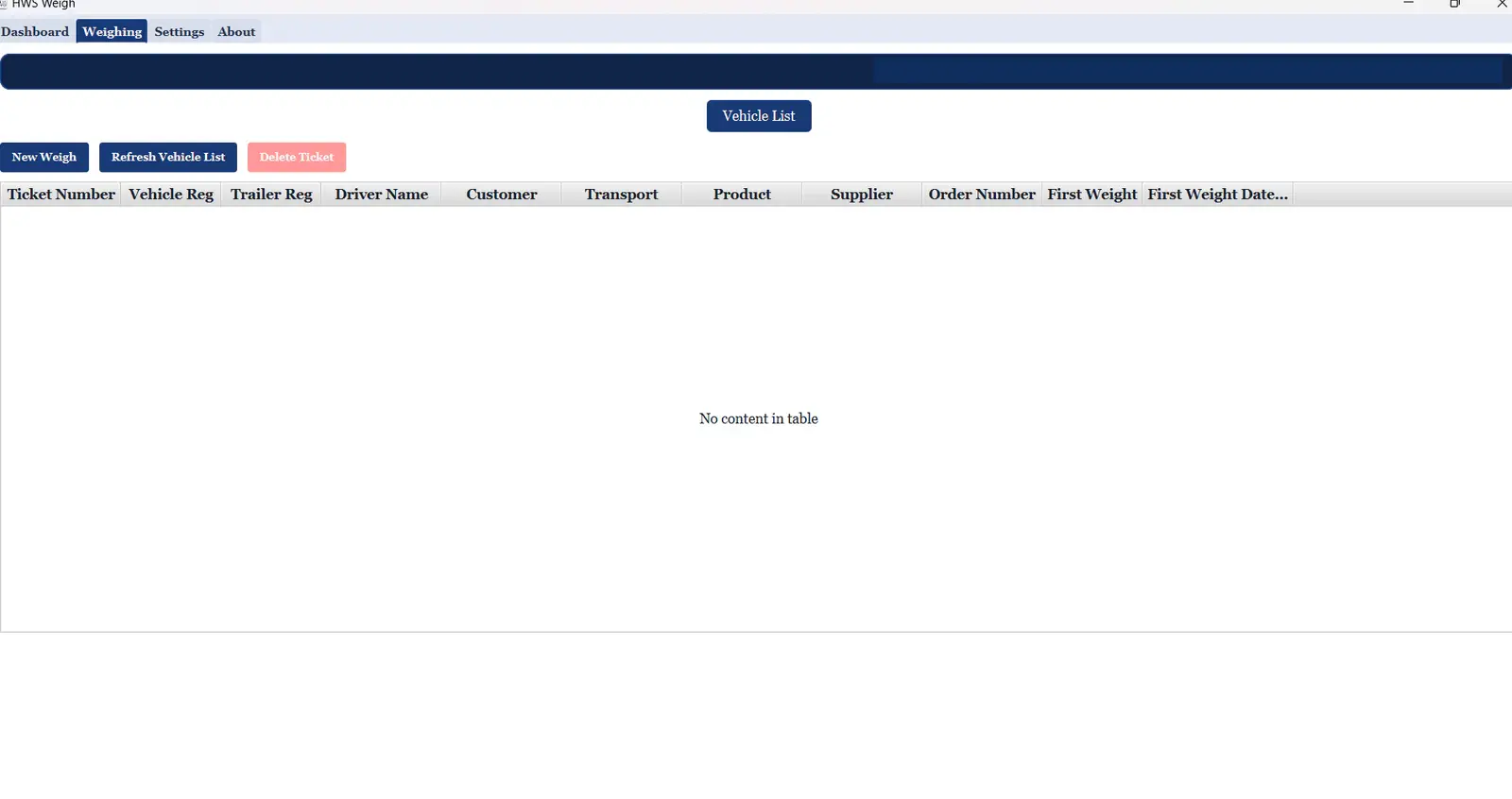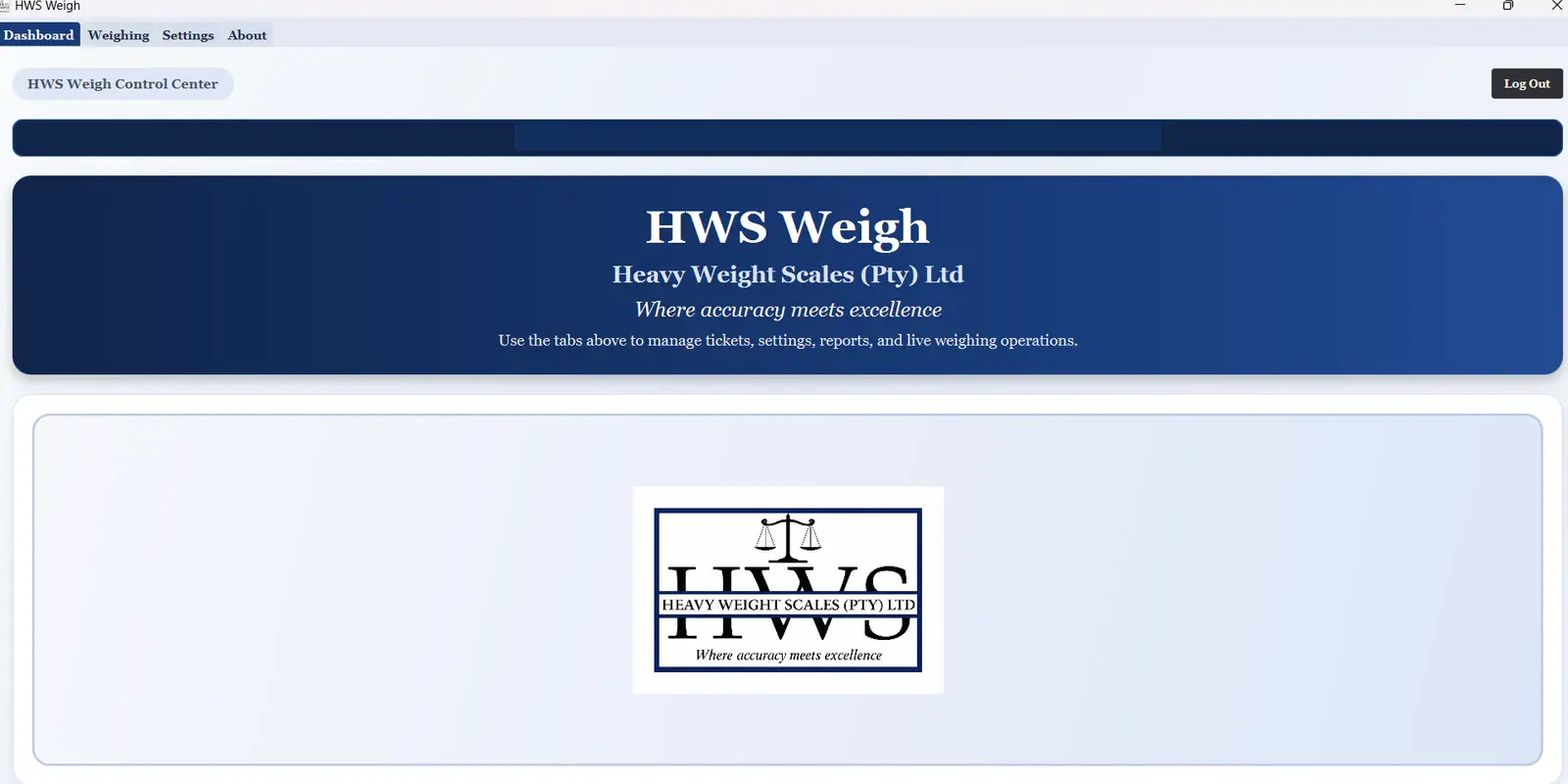
Production desktop software connecting directly to scale indicators and managing live weighing, tickets, offline records, printing, users and specialised axle/multi-deck workflows.
A weighbridge system has to manage far more than a scale reading.
Every weighing depends on connected hardware, operational records, first and second captures, specialist weighing modes, ticket completion, printing and controlled user access. Different indicators also return their data in different formats, so communication and parsing cannot be rigid.
Vehicles and operational references Standard and specialist weighing Tickets, records and printing Configurable hardware communication
02 / THE SOLUTION
One dedicated offline system built around real weighbridge operations.
HWS Weigh connects directly to physical scale indicators, extracts live weights, manages the complete ticket workflow and stores operational records locally. It continues working without an internet connection and gives each operator the tools and permissions appropriate to their role.
From raw indicator data to a dependable live weight.
The communication layer is configurable so HWS Weigh can work with scale indicators that transmit values in different ways.
RS232
Serial scale communication
COM port and baud rate
Parity and data bits
Stop bits
Update interval
Incoming-data trimming and parsing
IP / TCP
Network scale communication
IP address
Network port
Update interval
Configurable parsing positions
Live value extraction
Scale indicatorPhysical measurement
RS232 or TCP/IPRaw indicator data
Configurable parserTrim and extract
Live weightOperator display
Ticket recordStore and process
STANDARD WEIGHING
A complete first-and-second weighing workflow.
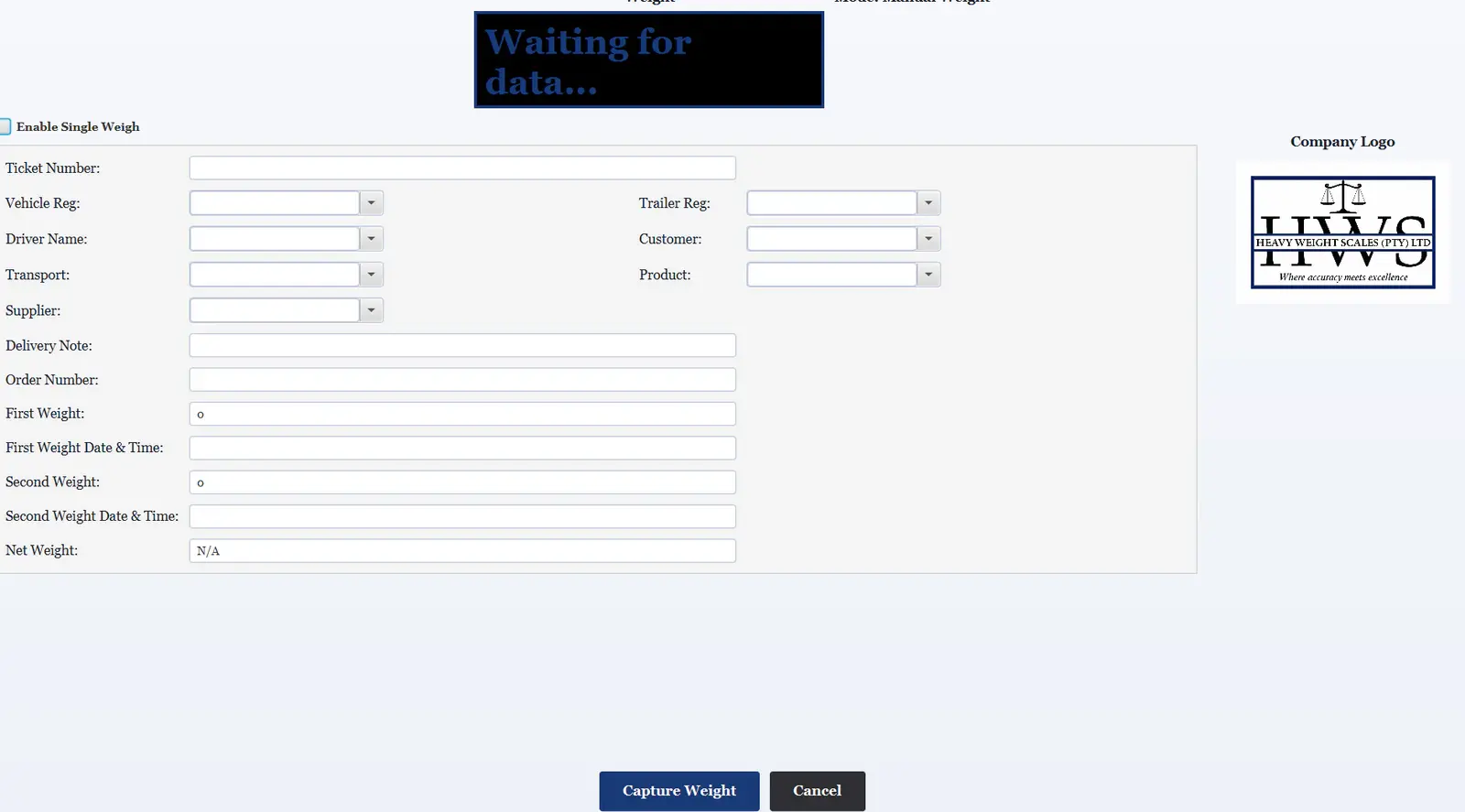
The ticket stays open between visits, allowing the second measurement to complete the record and calculate net weight automatically.
01Vehicle arrives
02Operator creates a ticket
03First weight is captured
04Ticket remains open
05Vehicle returns
06Existing ticket is reopened
07Second weight is captured
08Net weight is calculated
09Ticket is completed and printed
Core weighing workflow / privacy-safe production screenshotHWS WEIGH
SPECIALIST WORKFLOWS
Different operations require different ways to weigh.
HWS Weigh supports multiple capture models while preserving the same controlled ticket and record workflow.
01
Single weigh mode
Complete a ticket using one captured weight when the operation does not require a return visit.
02
Multi-deck weighing
Capture Deck 1 through Deck 4 separately from the indicator and calculate the combined total.
DECK 1 DECK 2 DECK 3 DECK 4
03
Axle weighing
Capture 2–8 axles sequentially, total the values and support both first and second axle workflows.
2 3 4 5 6 7 8 AXLES
TICKETS & LOCAL RECORDS
The weighing is only one part of the operational record.
Open and completed tickets bring vehicle, commercial, weight and operator information together in the local database.
Ticket management and offline databaseHWS WEIGH
Ticket number Vehicle and trailer registrations Driver Customer Transporter Product Supplier Delivery note and order number Seal references Configurable custom fields First and second weights Dates, times and net weight Operator details Deck and axle values
REFERENCE-DATA MANAGEMENT
Operational records stay consistent and reusable.
Teams can maintain the entities used across tickets instead of repeatedly entering the same information.
Day-to-day weighing with restrictions on high-risk settings.
Manual weighing, multi-deck mode and axle configuration are permission controlled.
CONFIGURATION & PRINTING
Built to fit the operation, its hardware and its paperwork.
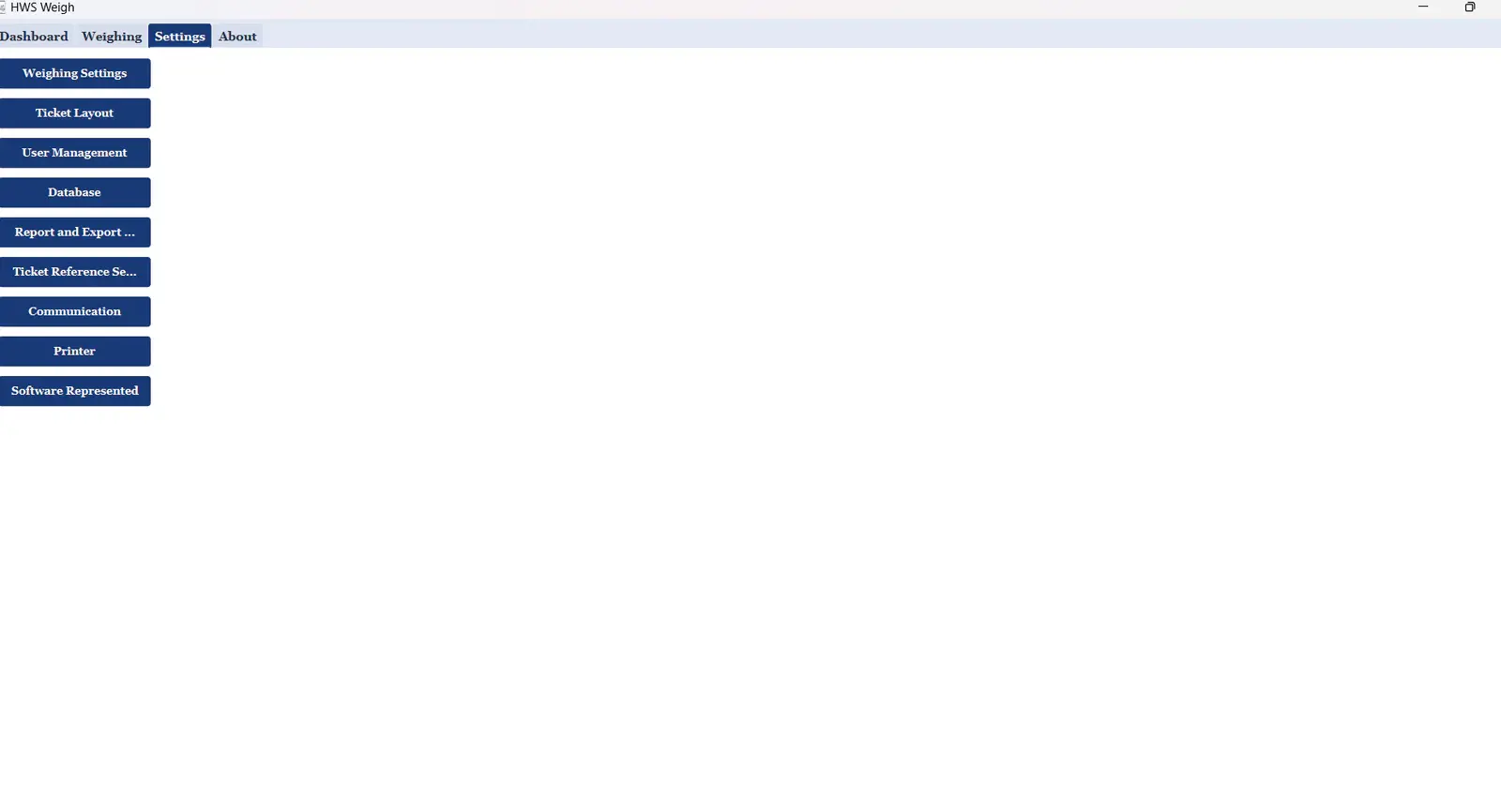
Settings bring communication, reference data, permissions, ticket layouts, databases and printers into one controlled configuration area.
Configurable operational settingsHWS WEIGH
A4 TICKETS
Full operational documents
Configurable company information, logo, vehicle details, weights, optional fields, signatures and axle or multi-deck data.
80 MM THERMAL
Compact receipt-style output
A dedicated ticket format suitable for thermal printers and fast weighbridge handover.
OFFLINE OPERATION
The weighbridge does not depend on cloud connectivity.
Operational records are stored locally so weighing, ticket management and printing can continue without internet access.
Local operational databaseContinuous on-site workflow
MACHINE-LINKED LICENSING
Offline activation with local licence validation.
Licence checks cover device matching, expiry, validity and local date/time consistency without exposing generation logic or sensitive identifiers.
DeviceLicenceValidityAccess
BUSINESS OUTCOME
One production system for the full weighbridge workflow.
HWS Weigh brings scale communication, ticket management, operational data, user access, printing and licensing into one dedicated production system for real weighbridge operations.
The system has been commercially delivered and is actively used in a working weighbridge environment.